Advertisement
Click to download now, finish the installation quickly, and directly unlock the all-round experience
Advertisement
Screenshots
Click to download now, finish the installation quickly, and directly unlock the all-round experience
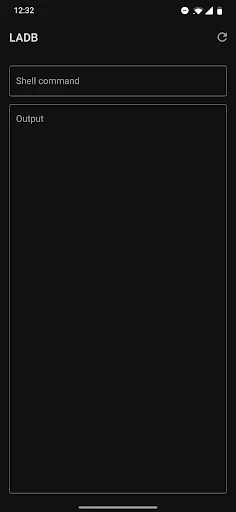
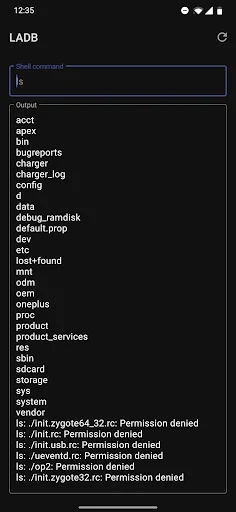
LADB — Local ADB Shell gives Android users an ADB command-line shell that connects to the same device over Wireless Debugging. It is aimed at people who already know why they need ADB commands and want to run them from the phone itself, rather than relying on a computer and USB connection.
To connect, enable Wireless Debugging in Android Settings and pair LADB using the code and port shown by the system. Keep the pairing screen open while entering those details: dismissing it can invalidate the pairing information. Assisted Pairing may not work reliably on some newer Android versions; manual pairing is another option if the automatic route fails.
This is a more technical choice than a general-purpose device utility. You will need to be comfortable with Android’s developer settings and with entering ADB commands. The app’s support notes also warn of connection conflicts with Shizuku, so check that limitation before choosing LADB if you use Shizuku.
When comparing Android tools, look at whether you need an on-device shell, how much setup you are willing to do, and whether your workflow depends on other debugging utilities. LADB’s appeal is its local ADB approach; the trade-off is that pairing and compatibility can require troubleshooting. If you only need routine phone settings, a command-line shell may be more than you want.
Developer tytydraco’s app is listed in the Tools category. It has a 3.54 rating from 1,077 ratings and 50,000+ installs. Those figures offer context, but they do not tell you whether the pairing process will suit your Android version or setup, so weigh them alongside the app’s specific requirements.